Create your account
This article is a part of the DRM How-to Guides.
Start a free trial
Go to the Axinom Portal and start a free trial. It gives you sixty days of Mosaic in a real environment, with no payment obligation and no card.
Verify your email and complete your profile
Axinom sends you a verification email. Confirm your address, then complete the short profile form: your name, your company, and the Portal terms. Telling us what you want to achieve is optional, but it helps us point you at the right services.
Activate the trial
Accept the Axinom Products Evaluation Agreement and click Activate my trial. Provisioning your environment takes about a minute; keep the page open.
When it is done, click Go to Mosaic. The Management System of your new environment opens; sign in with Sign In with Axinom when asked. Your Portal login is reused, so there is no second password.
There is no waiting for credentials to arrive, and no configuration document to download. The environment is ready to use, with DRM already enabled.
Find your way back
The Management System is where you operate an environment: you encode videos there, and you review settings there.
You can return to it at any time from My Mosaic. Every environment listed there has a Management System button that opens it.
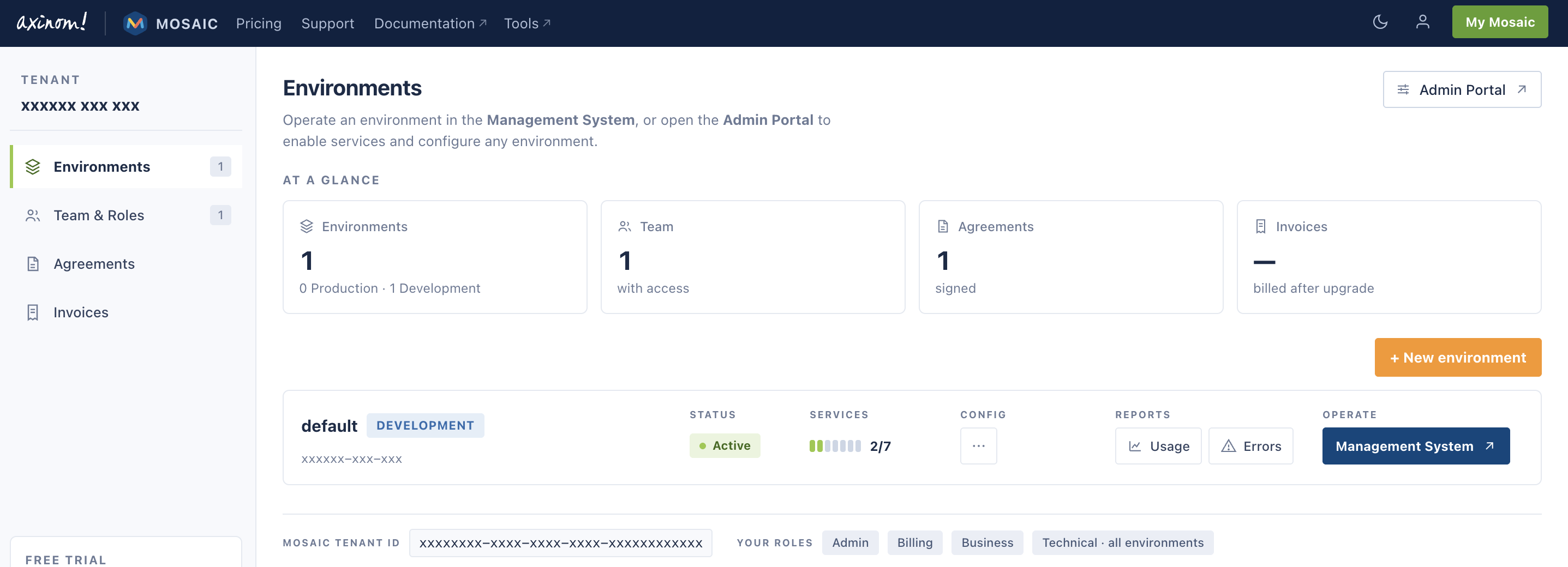
A trial account starts with one environment. You can create more from this page later, for example to keep development separate from production.